
How the Mirror and Recording Feature Works in the Shadow Boxing App
One of the more practical features in the Shadow Boxing App is the ability to use your phone’s camera while you train. You can turn it into a live mirror so you can watch yourself in real time, or record your session to review it afterwards. Both are useful in different ways, and neither requires sending anything off your device.
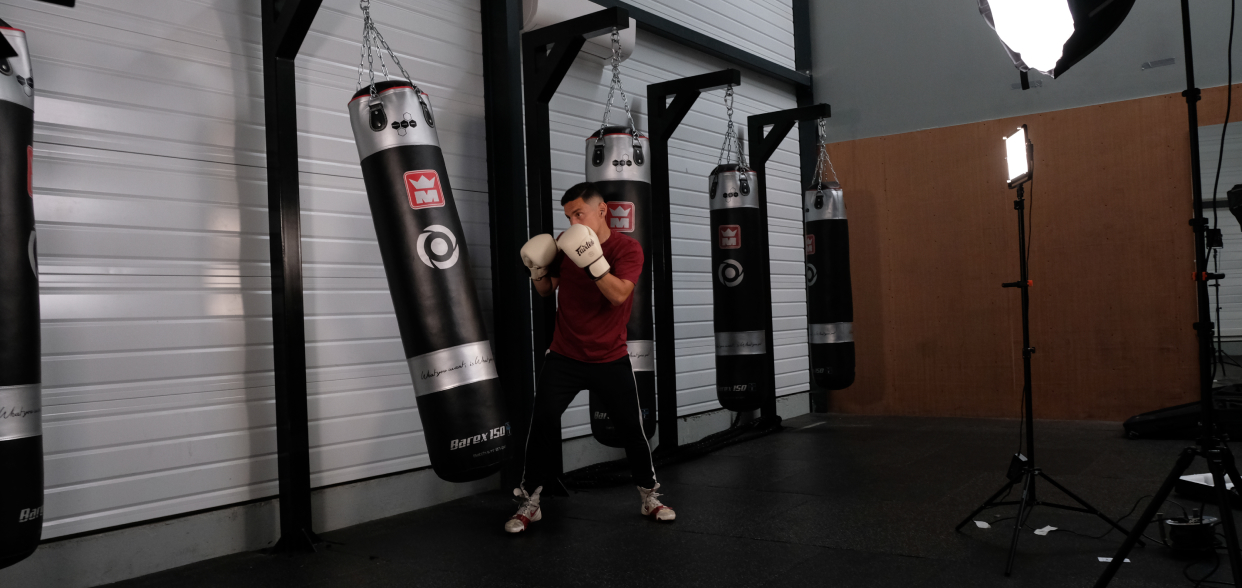
The Mirror: See Yourself While You Train
The mirror feature turns your front camera into a live feed so you can check your form as you go. You start it yourself from inside the app before your session begins. Once it’s running, you can see your stance, your guard position, and how your combinations look as you throw them.
This is more useful than it might sound. When you’re shadow boxing without any feedback, bad habits can quietly build up. You might think your hands are coming back up after each punch, or that your head movement looks sharp. The mirror shows you the truth without any delay.
It works especially well for things like:
- Checking your guard stays up between combinations
- Watching your footwork and weight distribution
- Seeing whether your jab is snapping back or drifting
You don’t need to pause or stop to review anything. The camera runs alongside your workout, so you can glance at it whenever you want.
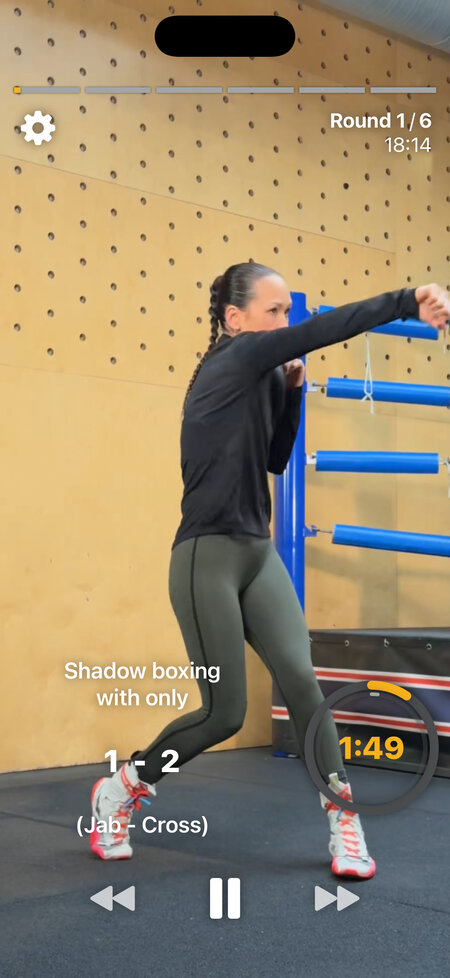
Recording: Review Your Session After
If you’d rather focus during the workout and review later, the recording option lets you capture your session on video. You start the recording from the app before you begin, train as normal, and then watch it back when you’re done.
One practical tip: you probably don’t need to record the entire workout. A round or two is usually enough. Long videos are tedious to review, and a focused clip of a specific combination or drill is far easier to learn from. Start the recording when you’re about to work on something specific, stop it after the round, and you have something short and useful to analyse.
Reviewing footage after a session is a different experience from using the mirror. You can slow things down, go back to a specific combination, and really pick apart what’s happening. This is where you catch the things you didn’t notice in the moment: a dropped elbow, a weight shift that’s off, a combo that looked cleaner in your head than it did in practice.
The video saves to your camera roll, so you can also share clips on social media if you want to show your progress or get feedback from people you train with.
For a more detailed look at why reviewing your own footage is so effective for improvement, the article on recording your shadow boxing sessions goes deeper into that.
Your Video Stays on Your Phone
The footage you record never leaves your device. The app doesn’t upload it, doesn’t access it remotely, and doesn’t send it anywhere. It’s saved to your phone’s camera roll the same way any other video would be, and you control what happens to it from there.
There’s no automated analysis or AI review of your technique either. The app records the video; reviewing it is up to you. That’s the current state of things. You watch it, you decide what to fix, and you go again.
The Camera Only Activates When You Start It
The app does not access your camera in the background or at any point during your session unless you explicitly start the mirror or recording feature yourself. If you open the app and run a workout without touching those features, the camera stays off.
When you do start the mirror or recording, iOS will show the standard camera permission prompt if you haven’t already granted access. You can revoke that permission at any time through your phone’s settings.
It’s a simple setup: you choose to use it, you control when it runs, and your footage stays with you.